
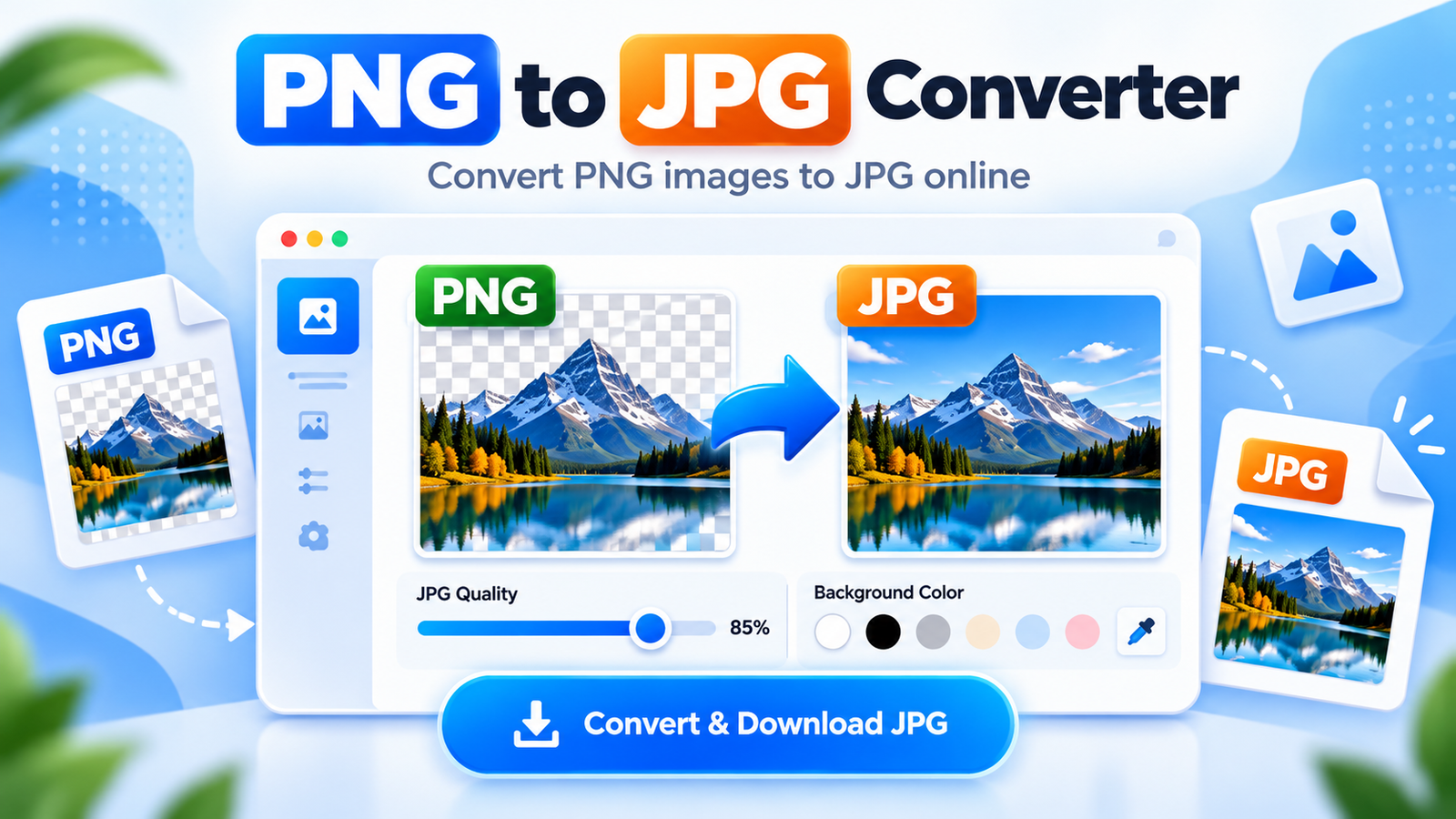
Use this free PNG to JPG converter to quickly convert PNG images into JPG format directly in your browser. You can adjust the JPG quality, choose a background color for transparent areas and download the converted image without installing any software.
Convert PNG to JPG
Choose a PNG image and convert it to JPG directly in your browser.
🔒 Your image stays in your browser and is not uploaded to a server.
Your JPG Image is Ready
Conversion completed successfully in your browser.
How to Use This PNG to JPG Converter
- Choose a PNG image: Click the Choose PNG Image button and select a PNG file.
- Adjust quality: Use the JPG quality slider and choose the background color for transparent areas.
- Convert to JPG: Click the Convert to JPG button. The conversion happens directly in your browser.
- Download the JPG: Click Download JPG to save the converted image.
Need to prepare your image further? Use our Image Resizer to change its dimensions, Image Compressor to reduce file size, or JPG to PNG Converter if you need to convert an image in the opposite direction.
For technical details about JPG and JPEG image formats, see MDN’s guide to image file types.
Why Convert PNG to JPG?
PNG and JPG are both popular image formats, but they are useful for different purposes. PNG is often used for graphics, screenshots and images with transparent backgrounds, while JPG is commonly used for photographs and smaller image files.
Converting PNG to JPG can help reduce file size, which may make images easier to upload, email or use on websites. This tool also lets you adjust JPG quality before downloading the converted image.
Because JPG does not support transparency, transparent areas in a PNG image need a background color. You can choose a white or black background before conversion.
The conversion happens directly in your browser, so you do not need to install extra software or upload your image to an external image-processing server.
PNG to JPG Converter FAQs
Is this PNG to JPG converter free?
Yes. This PNG to JPG converter is free to use and works directly in your browser without requiring an account.
Does converting PNG to JPG reduce file size?
Often yes. JPG can produce smaller files than PNG, especially for photographs, although the final size depends on the image and selected quality.
What happens to transparent areas in a PNG?
JPG does not support transparency, so transparent areas are replaced with the background color you choose before conversion.
Are my images uploaded to a server?
No. The conversion happens locally in your browser, so your selected image does not need to be uploaded to an external image-processing server.