
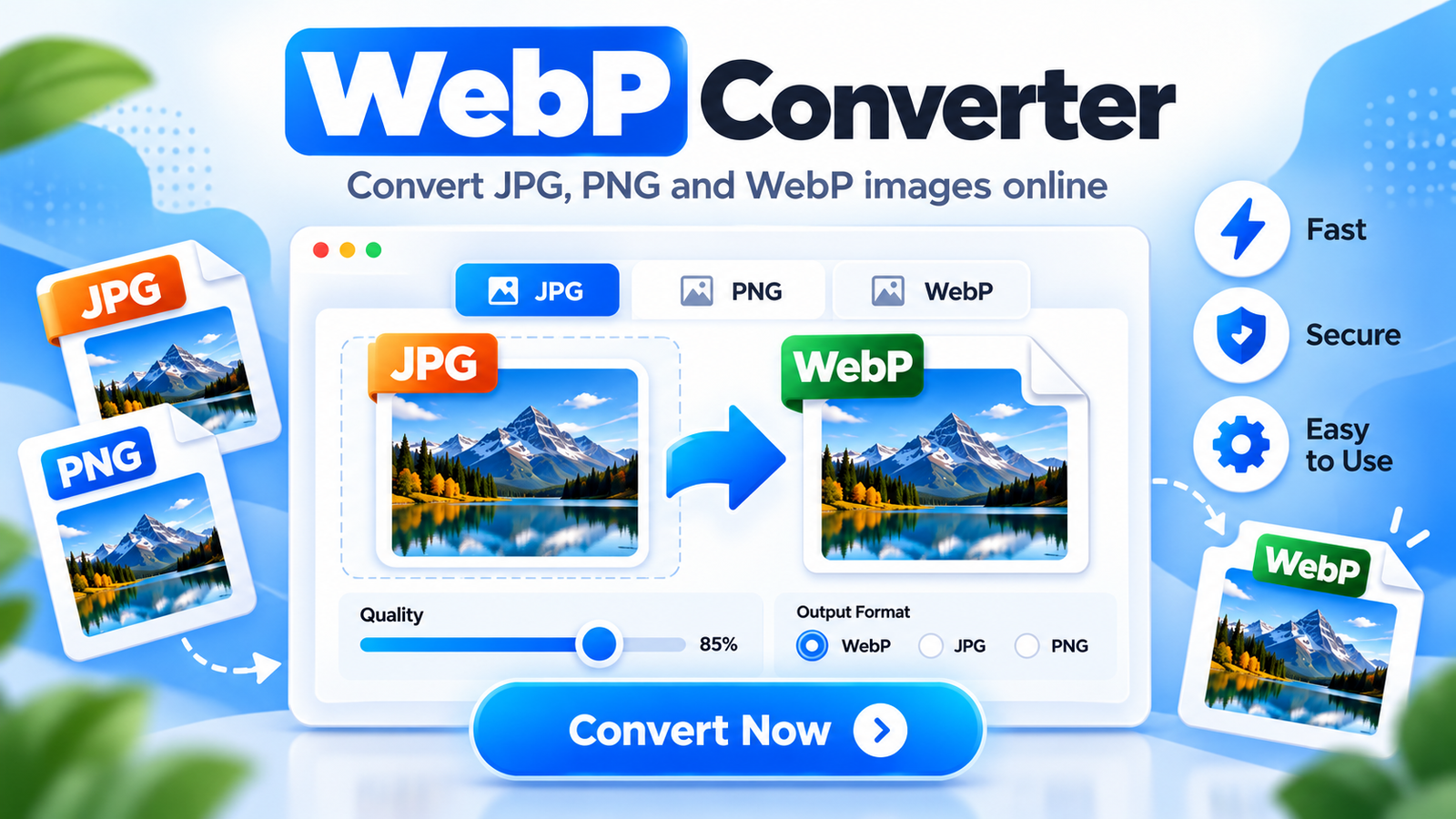
Use this free WebP converter to convert JPG, PNG and WebP images directly in your browser. Choose the output format, adjust image quality and download the converted file without installing extra software.
WebP Converter Online
Convert JPG, PNG and WebP images directly in your browser.
🔒 Your image stays on your device and is not uploaded to a server.
Your Converted Image is Ready
Image converted successfully in your browser.
Why Use a WebP Converter?
WebP is a modern image format designed to provide good image quality with smaller file sizes. Converting JPG or PNG images to WebP can help reduce page weight and may improve website loading speed.
WebP can support both lossy and lossless compression, and it can also preserve transparency. This makes it useful for photographs, website graphics, product images and many other types of online content.
With this WebP converter, you can also convert WebP images back to JPG or PNG when another website, app or device does not accept WebP files. The entire conversion happens directly in your browser.
How to Use This WebP Converter
- Choose an image: Select a JPG, PNG or WebP file from your device.
- Select output format: Choose WebP, JPG or PNG as the output format.
- Adjust quality: Use the quality slider to control the output image quality.
- Convert and download: Click Convert Image, then download the converted file.
Need more image tools? Use our Image Compressor to reduce file size, Image Resizer to change dimensions, or JPG to PNG Converter for quick format conversion.
For technical details about the WebP image format, see Google’s WebP documentation.
WebP Converter FAQs
What is WebP?
WebP is a modern image format that can provide good image quality with smaller file sizes than many traditional formats.
Can I convert JPG or PNG to WebP?
Yes. This tool can convert JPG and PNG images to WebP directly in your browser.
Can I convert WebP back to JPG or PNG?
Yes. Select a WebP image, choose JPG or PNG as the output format, and convert it.
Are my images uploaded to a server?
No. The conversion happens locally in your browser, so your selected images do not need to be uploaded to an external image-processing server.