
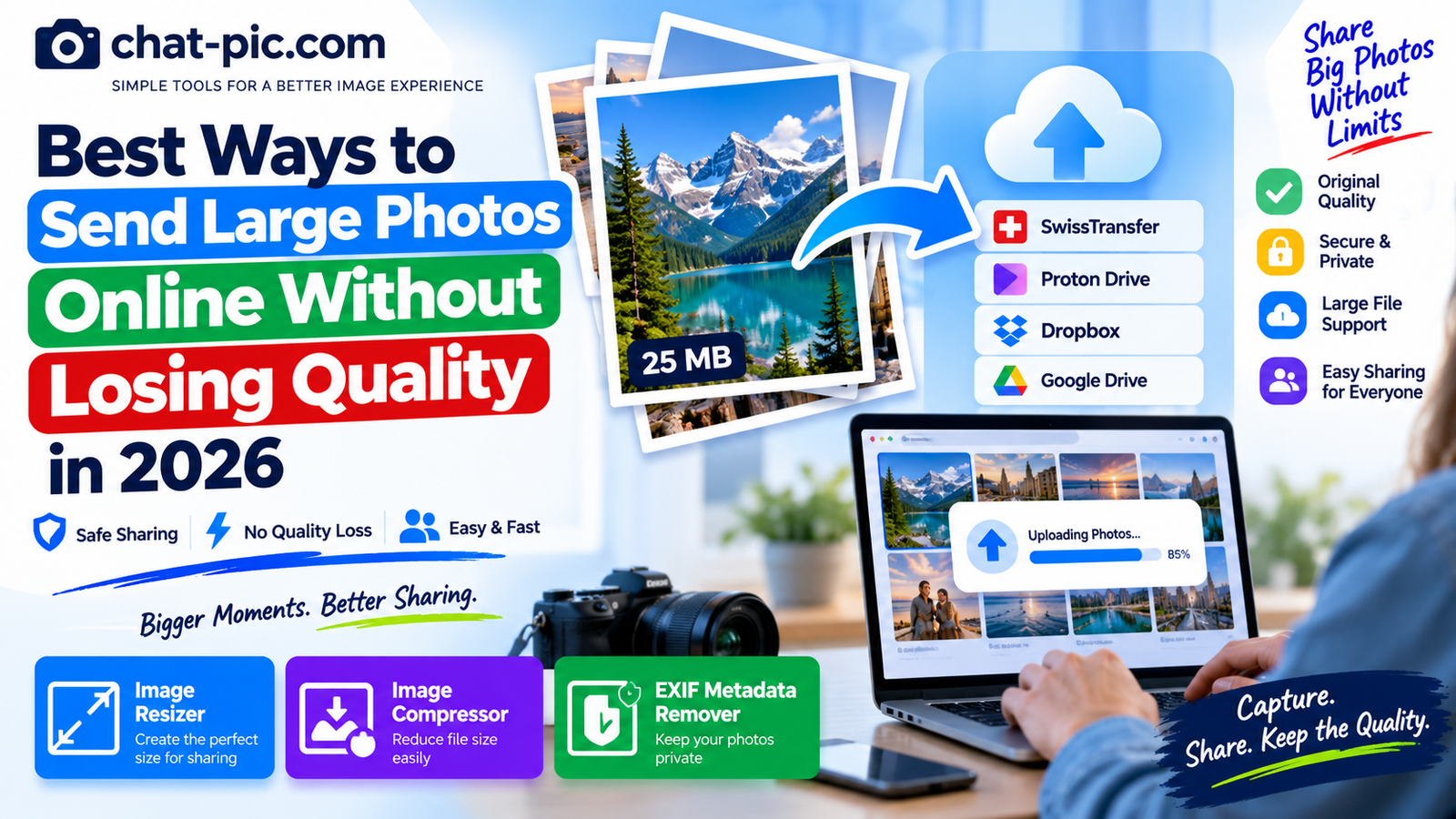
Modern phones and cameras can create beautiful photographs, but those high-resolution images can also be very large.
Sending them through the wrong method may reduce resolution, add compression, or create an attachment that is too large to deliver.
If you want to send large photos without losing quality, the safest approach is usually to transfer the original file rather than sending a compressed preview through a messaging platform.
In 2026, there are several good options. You can use temporary file-transfer services, secure cloud storage, shared folders, or carefully prepared image copies depending on what the recipient actually needs.
This guide explains the differences and helps you choose the right method.
What Does “Without Losing Quality” Mean?
There are two very different ways to share a photograph.
The first is to send the original image file. If the file itself is not changed, the recipient receives the same image data you uploaded.
The second is to upload an image to a service that may resize or recompress it before delivery.
That second method can reduce quality.
If exact original quality matters, the easiest rule is:
Send the original file as a file rather than relying on a social-media photo preview.
This is especially important for professional photography, printing, editing, client delivery, design work, and archival images.
Quick Comparison
| Method | Best For | Original File Quality | Account Required |
|---|---|---|---|
| SwissTransfer | Very large temporary transfers | Yes | No |
| Proton Drive | Private and secure photo sharing | Yes | Sender needs account |
| Dropbox | Client and team sharing | Yes | Sender needs account |
| Google Drive | Everyday cloud sharing | Yes | Sender needs Google account |
| Wormhole | Temporary private transfers | Yes | Simple link-based workflow |
| Email attachment | A few moderate-size photos | Yes if attached as files | Email account |
The best option depends on file size, privacy, how long the link should remain active, and whether the recipient needs access to one image or an entire collection.
1. SwissTransfer — Excellent for Very Large Photo Transfers
SwissTransfer is one of the easiest options when you have a large group of photographs and do not want to create another account.
The service currently allows transfers of up to 50 GB, does not require registration, stores files in Switzerland, and lets transfers remain available for up to 30 days.
That makes it useful for:
Professional photo sessions, wedding photographs, travel albums, RAW/JPEG collections, design assets and other large deliveries.
Instead of reducing every photo just to fit inside an email, you can transfer the original files.
Why this preserves quality
A file-transfer service does not need to convert your photograph into a social-media image.
You upload the original file and the recipient downloads it.
That makes this approach appropriate when image quality is more important than creating a public photo gallery.
When to use it
SwissTransfer makes sense when the recipient only needs to download the files and there is no reason to keep the photos permanently hosted online.
2. Proton Drive — Best for Privacy-Focused Large Photo Sharing
When photographs are private or sensitive, security matters just as much as quality.
Proton Drive uses end-to-end encryption for stored files and file sharing. Proton states that file contents and metadata such as filenames, extensions and thumbnails are protected by its encryption system.
You can upload your original photographs and create a shareable link.
Recipients can open public sharing links without creating a Proton account, and Proton also supports password protection and expiration dates for shared links.
Proton Drive is useful for
Sensitive personal photographs, private client deliveries, confidential images, business files and photo collections where privacy matters.
Quality advantage
Because you are sharing the stored file rather than forcing the photograph through a social-media image processor, the recipient can download the original version you uploaded.
If your main goal is to send large photos without losing quality while keeping them private, Proton Drive is one of the strongest choices.
3. Dropbox — Good for Client and Professional Photo Delivery
Dropbox remains useful when you want a simple folder-based workflow.
Dropbox allows users to create view-only links to files and folders. A recipient without a Dropbox account can open and preview files through a shared link.
This is particularly convenient for photographers, designers and teams.
You can organize photographs inside a folder and share one link rather than sending dozens of individual attachments.
Certain paid Dropbox plans also provide additional controls such as passwords and expiration dates for shared links.
Good situations for Dropbox
Wedding galleries awaiting download, client product photography, website assets, marketing images and team collaboration.
If someone needs the original files, make sure you are sharing downloadable originals rather than screenshots or previews.
4. Google Drive — Simple for People Already Using Google
For many users, Google Drive is the most convenient option because they already have a Google account.
You can upload large photographs or folders and share access with another person instead of attaching every image to an email.
This approach works well for:
Family photos, school or work projects, event photographs and collections that need to remain available for longer than a temporary transfer.
The main advantage is convenience.
You do not have to convert a 20 MB photo into a 2 MB image just to send it.
Upload the original and share access to the file.
File Transfer vs Image Hosting
These two methods should not be confused.
An image host is generally designed to display an image online.
A file-transfer or cloud-storage service is designed to deliver the actual file.
If you need an image URL for a forum, an image host is useful.
If you need to send a photographer’s 25 MB original JPEG to a client, file transfer is usually the better choice.
This distinction can prevent unnecessary quality loss.
Why Messaging Apps Can Reduce Photo Quality
Messaging platforms are designed for speed and convenience.
A large camera photograph may be resized or compressed so it can upload quickly and use less mobile data.
For everyday family photos, this may be perfectly acceptable.
But if the recipient needs the original photograph for printing or editing, visible quality is not the only issue.
Compression may also change:
Pixel dimensions, file size and sometimes metadata.
If the app offers a send as file/document/original quality option, use that when full quality matters.
Otherwise, a cloud or transfer link is safer.
Sending Photos by Email
Email works well for a few photographs, but large collections can quickly become inconvenient.
Email providers place limits on attachment sizes.
When the files exceed those limits, you may be pushed toward cloud links anyway.
If you are sending only two or three moderate-size JPEGs, attaching the originals as files can preserve their quality.
If you are sending hundreds of images, use a transfer service or shared folder.
Should You ZIP Photos Before Sending?
Creating a ZIP archive can be useful when you need to send many images together.
It keeps multiple photographs inside one downloadable package.
However, ZIP compression does not dramatically shrink normal JPEG photographs because JPEG files are already compressed.
The main advantage is organization rather than enormous file-size savings.
For example, instead of giving someone 60 individual download links, you can place those 60 photographs inside one folder or ZIP archive.
Resize Only When Full Resolution Is Not Needed
Sometimes the recipient does not actually need the camera original.
Suppose a 6000-pixel-wide photograph will only be used inside a website article at 1200 pixels.
Sending the full-resolution original wastes bandwidth and storage.
In that case, create a separate resized copy.
Use the Chat Pic Image Resizer:
Link the words Chat Pic Image Resizer to that URL.
Keep the original image on your computer or phone and send the resized version only when the smaller version is sufficient.
This is very different from accidentally losing quality.
You are intentionally creating a version suited to its purpose.
Compress Photos When File Size Matters More Than Exact Original Data
Sometimes the image dimensions are correct but the file is still unnecessarily large.
You can then create an optimized copy with the Chat Pic Image Compressor:
Link the words Chat Pic Image Compressor to that URL.
For ordinary photographs, try JPG or WebP with moderate quality rather than aggressive compression.
If you need the exact original image file, do not compress it at all.
Send the original through a file-transfer service.
That is the key difference between optimization and original-quality delivery.
Remove Location Metadata Before Sending Private Photos
Quality is not the only thing you should think about before sharing high-resolution originals.
Camera files can contain metadata.
Depending on the device and settings, that information may include camera model, time, date and sometimes GPS location.
For a professional photo sent to an editor, this information may be useful.
For a photograph taken inside your home, you may prefer not to share it.
You can create a privacy-cleaned copy with the Chat Pic EXIF Metadata Remover:
Link the words Chat Pic EXIF Metadata Remover to that URL.
Keep your untouched original separately.
Should You Send RAW Photos?
RAW files are different from normal JPEG photographs.
They contain much more camera information and are intended primarily for editing.
RAW files can be extremely large.
Do not convert a RAW image to a small JPEG if the recipient specifically needs the RAW file for professional editing.
Use a large-file transfer or cloud-storage service instead.
For someone who only needs to view the final photo, export a high-quality JPEG or another appropriate final format.
This saves huge amounts of transfer data without harming the workflow.
Original Quality vs Maximum Quality
Another common misunderstanding is that the largest file is automatically the best version.
It is not.
The original file means the unchanged file created or exported from your device.
A photograph that has already been exported as JPEG at a reasonable quality does not become better simply because you re-save it at 100% quality.
In fact, repeated JPEG re-encoding can gradually reduce quality.
When exact quality matters, transfer the existing original file rather than repeatedly exporting it.
Best Method for Professional Photographers
Professional photographers often need two different workflows.
One is for client viewing.
The other is for final original or high-resolution delivery.
For viewing, smaller web-sized previews may be enough.
For final delivery, use the full-resolution exports.
Dropbox, Proton Drive or a large file-transfer service can work well because clients can download the actual files instead of receiving images compressed by a messaging platform.
Keep backups until the client confirms the download.
Best Method for Family Photos
For ordinary family photos, convenience matters more.
If you already use a cloud-storage or photo service, you may not need a specialized transfer tool.
For a few photos, send the files directly.
For a large vacation album, create a shared folder.
For sensitive family photographs, consider privacy and link permissions before sending.
Remember that anyone who downloads a photograph can create another copy.
Removing access to the link later cannot delete copies already downloaded.
Best Method for Website Owners
Website owners usually do not need original 20 MB camera files on a webpage.
Instead:
Keep the original offline, create a correctly sized web version, compress the web version and upload that optimized copy.
This provides better page performance while preserving your source image separately.
The workflow could be:
Original photo → resize → compress → upload optimized copy.
Do not repeatedly edit the already-compressed website version.
Best Method for Printing
If someone needs the photograph for printing, avoid sending a small web version.
Printing may require much higher resolution than viewing the picture on a phone.
Send the original or a high-resolution export.
A temporary large-file transfer is often better than social media or messaging in this situation.
How to Send 100 or More Photos
Sending large batches of photos one at a time is inefficient.
Put the images inside a folder.
If useful, ZIP the folder.
Then upload the folder/archive to a cloud drive or file-transfer service.
With SwissTransfer, for example, current transfers can be as large as 50 GB without registration.
For long-term availability, cloud storage such as Proton Drive or Dropbox may be more appropriate.
Temporary Links vs Permanent Cloud Storage
A temporary link is better when:
The recipient only needs to download the files once or twice.
Long-term cloud storage is better when:
The files need to remain available for weeks or months, or several people need continuing access.
SwissTransfer emphasizes temporary transfers, while services such as Proton Drive and Dropbox are designed around persistent storage plus sharing.
Choose based on how long you actually need the files online.
Privacy Tips for Large Photo Transfers
When you send large photos without losing quality, you are often sharing more information than you would with a small screenshot.
High-resolution originals can reveal fine visual details.
Before sharing, inspect the image carefully.
Check for home addresses, vehicle plates, documents, screens, children’s identifying details and anything else visible inside the photograph.
If the images are sensitive, use encrypted storage or password-protected links where available.
Proton Drive, for example, supports end-to-end encrypted sharing as well as passwords and expiration dates for links.
Avoid These Quality Mistakes
The most common mistake is sending a screenshot of the original photograph.
A screenshot is a new image and may have significantly lower resolution.
Another mistake is downloading an image from a messaging app and then treating that compressed copy as the original.
Also avoid:
Repeated JPEG exports, resizing an already tiny image upward, aggressive compression before professional printing, and deleting your original after creating an optimized copy.
Your best protection is a simple workflow:
Keep the original. Share copies appropriate to each purpose.
A Practical Photo-Sharing Workflow
For an important set of large photographs, use this approach:
First, keep the original files backed up.
Next, decide whether the recipient needs the full-resolution originals.
If yes, transfer the originals through a cloud or file-transfer service.
If not, create resized copies.
If those copies remain large, compress them moderately.
For sensitive photographs, remove unnecessary metadata.
Finally, verify the sharing permissions before sending the link.
This workflow gives you control over both image quality and privacy.
Frequently Asked Questions
What is the best way to send large photos without losing quality?
Use a file-transfer or cloud-storage service and send the original image files rather than relying on a messaging platform’s compressed photo mode.
Can I send large photos for free?
Yes. SwissTransfer currently allows free transfers of up to 50 GB without registration.
Does Dropbox reduce photo quality?
If you share the actual stored file through Dropbox, the recipient can download that file rather than relying on a compressed social-media version. Dropbox supports view-only links that can be opened even by people without Dropbox accounts.
Is Proton Drive good for private photos?
Yes. Proton Drive uses end-to-end encryption and supports secure sharing links, optional passwords and expiration dates.
Should I compress photos before sending them?
Only when reducing file size is useful and the recipient does not require the exact original file. If they need full original quality, transfer the original instead.
Does resizing reduce quality?
Resizing reduces pixel dimensions. If the recipient needs the full-resolution original for printing or editing, do not resize it. For websites or normal screen viewing, smaller dimensions may be completely appropriate.
Can I send a folder of photos instead of individual files?
Yes. You can share a cloud folder or package many files into a ZIP archive before transferring them.
Final Thoughts
The best way to send large photos without losing quality is surprisingly simple:
Do not force the photographs through a service designed to shrink them.
When exact quality matters, send the original files through a proper file-transfer or cloud-storage service.
SwissTransfer is particularly convenient for very large temporary transfers because it currently supports up to 50 GB without registration. Proton Drive is a stronger choice when encrypted privacy is a priority, while Dropbox is convenient for shared folders and professional delivery.
When the recipient does not need the original resolution, create a separate optimized copy instead.
Use the Chat Pic tools to resize, compress or clean metadata while keeping the original photograph safely stored.
That gives you the best combination of quality, speed, privacy and control.