
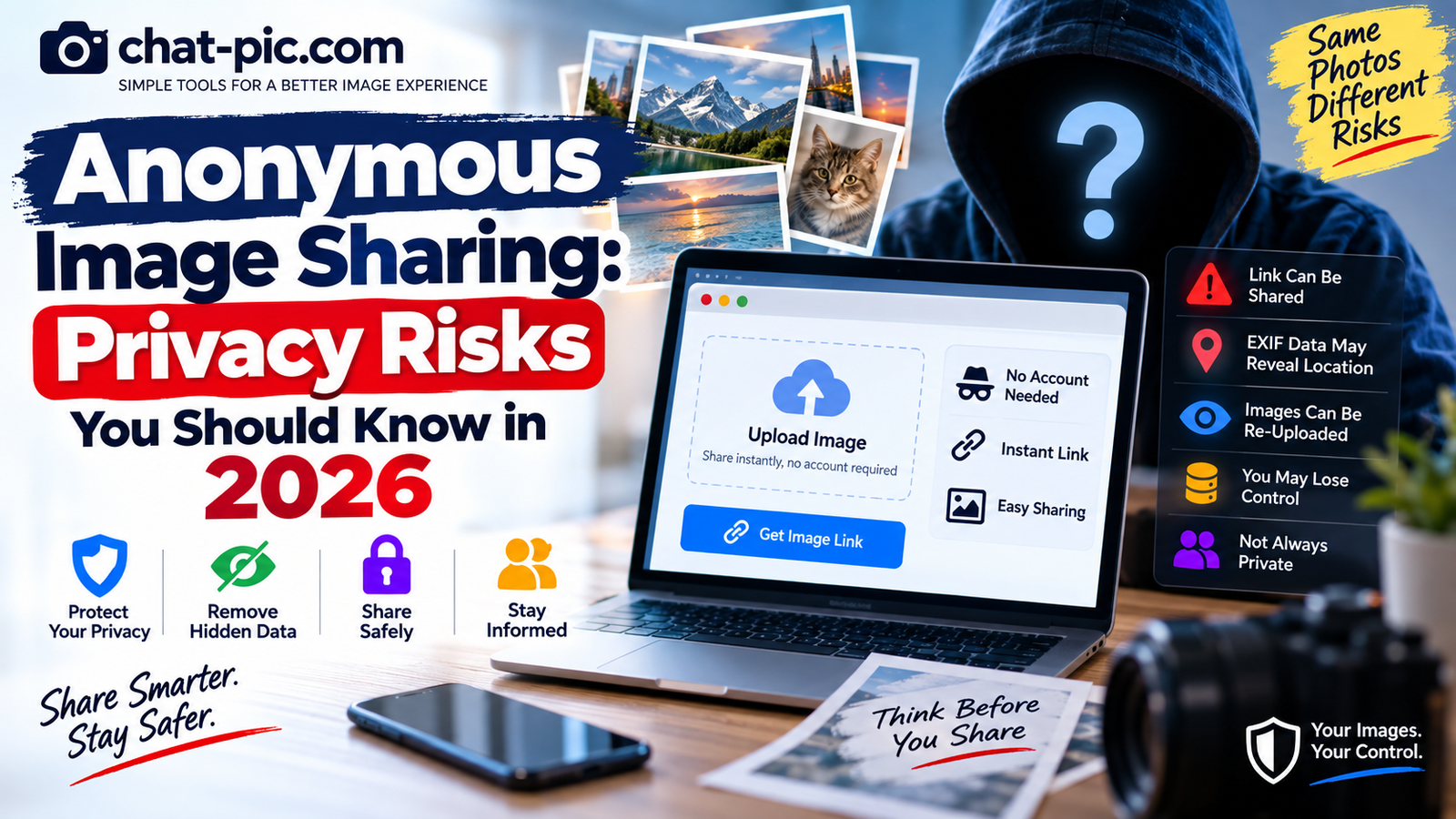
Anonymous image sharing can be useful when you want to upload a screenshot, share a quick photo, or create an image link without opening another online account.
But there is an important privacy mistake many people make:
Anonymous does not automatically mean private.
A website may let you upload an image without entering your name or email address, while the uploaded photograph is still accessible to anyone who gets its URL.
The image itself may also contain hidden information such as camera details, capture time, or GPS coordinates.
If you use anonymous image sharing in 2026, understanding these differences can help you avoid accidentally exposing information you intended to keep private.
This guide explains the main risks, what “anonymous” really means, how image links can spread, why EXIF metadata matters, and how to prepare a safer copy before uploading.
What Is Anonymous Image Sharing?
Anonymous image sharing usually means uploading a photograph without creating a normal user account.
Depending on the service, you may be able to:
- Select an image
- Upload it
- Receive a unique URL
- Share that URL
- Embed the image on a website or forum
You may not need to provide your real name, email address, profile photo, or password.
That can make the process fast and convenient.
However, this only describes the account requirement.
It does not tell you whether:
- The image is encrypted
- The URL is password protected
- Metadata is removed
- The image expires
- The recipient can forward the link
- The host can access the file
- The image can later be deleted
Those are separate privacy questions.
Anonymous Does Not Mean Private
This is the most important rule to remember.
Imagine you upload a personal photograph to a website without creating an account.
The service gives you a long, difficult-to-guess URL.
That URL may not appear in a public gallery.
But if anyone who receives the URL can open the image, access is still based largely on possession of the link.
Postimages, for example, says uploaded images are not placed in a global public catalog and their codes are difficult to guess. However, it also says it does not provide password protection for these image links, so anyone who obtains a publicly shared image address can view it.
That is better described as unlisted link sharing than fully private storage.
Risk #1: Your Image Link Can Be Forwarded
A private-looking link can still travel.
You may send it to one person through a message.
That person can copy it and send it to someone else.
It may also appear in:
- Group chats
- Emails
- Browser history
- Forum posts
- Public comments
- Social media messages
- Documents
- Screenshots
Once a recipient downloads the photograph, disabling the original link cannot remove the copy from their device.
This problem is not limited to anonymous image hosts.
Google Photos warns that when link sharing is enabled, anyone with the link can view the shared photos. Google also explains that the link can be shared by other people.
So an “unguessable” link should still be treated as a key to the content.
Risk #2: EXIF Metadata May Reveal More Than the Photo
One of the biggest risks with anonymous uploads is information hidden inside the image file.
Digital photos can contain EXIF metadata such as:
- Camera model
- Phone model
- Capture date
- Capture time
- Image dimensions
- Camera settings
- Editing software
- GPS coordinates
GPS data is particularly important.
A photograph taken inside your home may look completely harmless, but the original file could potentially contain coordinates identifying where it was captured.
Anonymous uploads may preserve metadata
Postimages currently states that anonymous uploads keep their original EXIF metadata. Its FAQ specifically notes that this can include camera information, dates, and GPS location.
That means anonymous uploading itself does not clean your photograph.
Before uploading a personal photo, use the:
Chat Pic EXIF Metadata Removerhttps://chat-pic.com/exif-metadata-remover/
This creates a new copy of your image so you do not have to depend entirely on the destination website’s metadata policy.
Risk #3: Visible Information Can Reveal Your Identity
Removing metadata does not remove information visible inside the photograph.
Look carefully at the image before uploading.
A photograph may show:
- A house number
- Street sign
- School uniform
- Work badge
- Vehicle registration plate
- Computer screen
- Mail or packages
- ID card
- Hotel room information
- Business name
- Family photographs
- Reflections in windows or mirrors
Even a landscape can reveal where you are if it contains a recognizable landmark.
Google’s guidance on photo location privacy similarly notes that people may sometimes infer where an image was taken from landmarks even when location information itself is not shared.
So photo privacy has two separate layers:
Hidden information inside the file and visible information inside the picture.
You should inspect both.
Risk #4: “No Account” Does Not Mean “No Data”
It is easy to assume that a site cannot know anything about you if you do not create an account.
That is too simple.
Websites still need technical information to deliver pages, process uploads, prevent abuse, and maintain security.
The exact information collected varies by service, so always check the platform’s current privacy policy before uploading sensitive content.
The important point is:
Account-free is not the same as invisible.
If complete anonymity is important to you, simply skipping an account-registration form is not enough to guarantee it.
Risk #5: You May Lose Control of an Anonymous Upload
Account-based services normally give you a dashboard where you can manage uploaded files.
Anonymous services may work differently.
You might receive a deletion link after the upload.
If you lose it, removing the image later can become more difficult.
Postimages, for example, says anonymous users can delete an uploaded image through the removal link provided on the page shown immediately after uploading. It suggests finding that page in browser history if necessary.
Therefore, if an anonymous image host provides:
- Delete link
- Management URL
- Removal code
save it until you are certain you no longer need control of the upload.
Risk #6: Private Photos Can Become Public Through Human Error
Many privacy failures have nothing to do with hacking.
They happen because someone copies the wrong URL or shares it in the wrong place.
For example:
You upload a private image.
You copy the link.
Instead of sending it through a private message, you accidentally paste it into a public comment.
Anyone who sees that public page may now be able to open the image.
Postimages specifically warns that when an image address is posted publicly, anyone with access to that page can view the image because password checks are not supported for such links.
Always check where you are pasting a link before sending it.
Risk #7: An Image Can Be Downloaded and Re-Uploaded
Once someone can view an image, they may be able to save it.
They can then:
- Re-upload it
- Send it to another person
- Post it on another site
- Keep a permanent local copy
- Edit or crop it
- Take a screenshot
Deleting your original upload does not automatically delete those copies.
This is why you should never upload a photograph if sharing it would create serious harm even after the original URL is removed.
Anonymous Sharing vs Private Sharing
These terms should not be treated as synonyms.
Anonymous sharing
Usually means you can upload without attaching a normal public account identity.
Private sharing
Means access is restricted to intended people.
Encrypted sharing
Means the content is cryptographically protected.
Unlisted sharing
Means the content is not normally listed publicly, but people with the link can access it.
Temporary sharing
Means access or storage expires after a limited period.
A service can have one of these properties without having all of them.
For example, anonymous image hosting might be:
Anonymous + unlisted
but not:
Password protected + end-to-end encrypted
Understanding these differences helps you choose the right service.
When Anonymous Image Hosting Is Fine
Anonymous image hosting is not inherently bad.
It is very useful for content that is already intended to be public.
Examples include:
- A computer error screenshot
- A public meme
- A product image
- A graphic for a forum
- A website design example
- A chart
- A non-sensitive reference image
In these situations, fast uploading can be more important than advanced privacy controls.
The mistake is using the same workflow for highly personal photographs.
When You Should Avoid Anonymous Public-Style Hosting
Think carefully before uploading:
- Passport scans
- Identity documents
- Medical records
- Private family photographs
- Photos of children
- Confidential work files
- Banking documents
- Private addresses
- Legal documents
- Sensitive screenshots
- Intimate photographs
For this type of content, use a service designed around stronger access controls and encryption.
Safer Option: End-to-End Encrypted File Sharing
For sensitive images, a secure file-transfer service can be better than an ordinary image host.
Wormhole states that files are encrypted in the browser before leaving the device and that its system uses end-to-end encryption. Its encryption key is not sent to Wormhole’s servers.
Wormhole also says files stored on its servers are permanently removed after 24 hours, while larger transfers can use peer-to-peer delivery.
This is a very different model from uploading an image primarily so it can be displayed at a public-style URL.
Safer Option: Password-Protected Cloud Links
Another approach is secure cloud storage.
Proton Drive currently supports end-to-end encrypted file sharing and allows users to protect public sharing links with passwords and expiration dates.
For a sensitive image, that gives you additional layers:
- Encryption
- Optional password
- Link expiration
- Ability to revoke access
Proton still warns that anyone with an unrestricted public link may access the shared file, which is why password protection can be useful for private content.
Protect the Link Itself
Even encrypted sharing depends on handling the sharing link carefully.
If a service uses a secret link as part of its access system, do not post that URL publicly.
Send it directly to the intended recipient.
For particularly sensitive files, if the service supports a separate password, you can send:
- The link through one channel
- The password through another secure channel
Proton specifically recommends using a secure communication method when sending a password for a protected shared link.
Remove Metadata Before Anonymous Uploading
For normal public uploads, creating a clean copy is a simple precaution.
Use:
Chat Pic EXIF Metadata Removerhttps://chat-pic.com/exif-metadata-remover/
A practical workflow is:
- Keep your original photo.
- Upload the copy to the metadata remover.
- Create a clean version.
- Download the clean copy.
- Inspect it.
- Upload that copy to the image host.
Apple also gives iPhone users controls for removing or suppressing photo location information. Its guidance explains that users can disable Location while sharing a photo and can prevent Camera from collecting location metadata by changing the Camera app’s Location Services permission.
Resize the Image Before Sharing
High-resolution photographs can contain much more detail than the recipient needs.
If a picture is only going into a forum post, you may not need to distribute a 6000-pixel-wide original.
Use the:
Chat Pic Image Resizerhttps://chat-pic.com/image-resizer/
Create a smaller sharing copy while keeping the original separately.
Benefits include:
- Smaller file size
- Faster upload
- Less unnecessary resolution
- Easier website display
- Reduced bandwidth
This does not make the image anonymous, but it can reduce unnecessary data exposure.
Compress Large Photos Before Uploading
If the image dimensions are already appropriate but the file remains large, compression can help.
Use the:
Chat Pic Image Compressorhttps://chat-pic.com/image-compressor/
For normal photographs, JPG or WebP with moderate quality can often reduce file size significantly.
Do not compress an image simply because the tool exists.
If the original is already small and optimized, another compression pass may not help.
A Safer Anonymous Image Sharing Checklist
Before uploading a photo anonymously:
- Ask whether the photo really needs to be publicly link-accessible.
- Keep an original backup.
- Inspect visible information inside the photograph.
- Remove unnecessary EXIF and GPS metadata.
- Resize unnecessarily large dimensions.
- Compress only if useful.
- Read the host’s privacy and deletion rules.
- Save any removal link the service provides.
- Do not post a private image URL on a public page.
- Use encrypted or password-protected sharing for sensitive content.
- Send private links only to people you trust.
- Assume a recipient can save a copy.
This takes a little more time but gives you much more control.
What If You Already Shared a Sensitive Image?
Do not panic, but act quickly.
If the service gave you a management or deletion link, remove the upload.
If it supports disabling sharing, revoke the link.
If you used Google Photos, Google says you can turn off link sharing and generate a new link later if needed; the old link will stop working.
If you shared through Proton Drive, you can stop sharing or change link settings.
However, remember:
Removing the link cannot remove copies that someone has already downloaded.
Are Hard-to-Guess URLs Safe?
They provide useful protection against random discovery, but they should not be treated like a password-protected vault.
Google Photos describes link sharing as using an unguessable URL, but also makes clear that the link can be forwarded and that people with it can access the album.
Postimages uses a similar practical model for its image URLs: codes are difficult to guess, but possession of the URL provides access.
So think of the URL as a secret.
If the secret leaks, access can leak.
Does Removing EXIF Make a Photo Anonymous?
No.
Removing metadata is only one privacy step.
It does not remove:
- Your face
- Your home
- Visible signs
- Clothing
- Tattoos
- Reflections
- Documents
- Landmarks
- Unique objects
It also does not control what the hosting service itself may collect under its privacy policy.
Metadata removal is useful, but it should not be confused with complete anonymity.
Is Google Photos Anonymous Image Sharing?
Not really.
Google Photos is tied to Google accounts and is designed around controlled photo sharing rather than anonymous uploading.
However, its link-sharing model demonstrates an important privacy principle.
Google says anyone with a shared link can access the shared photos, and a link can be shared by other people.
That same principle applies broadly:
Access by URL depends on keeping the URL under control.
Is Postimages Private?
Postimages describes its images as not being published in a global catalog and says image codes are hard to guess.
But it also clearly states it does not provide password protection and that anonymous uploads preserve original EXIF metadata.
That makes it useful for simple image hosting, but not the ideal choice for highly sensitive photos.
What Makes a Sharing Method More Private?
For sensitive images, look for features such as:
- End-to-end encryption
- Password-protected links
- Expiration dates
- Access revocation
- Named recipient access
- Clear deletion controls
- Minimal unnecessary retention
Wormhole provides end-to-end encrypted temporary transfers, while Proton Drive provides encrypted storage plus password and expiration options.
These features provide stronger controls than simply making an image URL difficult to guess.
Frequently Asked Questions
Is anonymous image sharing really anonymous?
Not necessarily. It may simply mean you do not need to create an account. It does not guarantee that the image is encrypted, private, impossible to trace, or inaccessible to the service provider.
Can someone view an anonymous image if they get the URL?
On many image hosts, yes. Postimages says people who receive the image link can view it, and it does not provide password protection for ordinary image URLs.
Can anonymous image uploads contain GPS location?
Yes. Postimages says anonymous uploads retain their original EXIF data, which may include GPS information.
Should I remove EXIF data before anonymous image sharing?
For personal or privacy-sensitive photos, it is a sensible precaution. You can create a cleaned copy with the Chat Pic EXIF Metadata Remover before uploading.
Is an unlisted image completely private?
No. An unlisted image may be difficult to discover randomly, but someone who receives or obtains the URL may still be able to view it.
What is safer for private photos?
For sensitive photos, consider encrypted file sharing or cloud storage with access controls. Wormhole uses end-to-end encryption, while Proton Drive supports encrypted links with optional passwords and expiration dates.
Can deleting a link remove downloaded copies?
No. Once someone has downloaded or copied an image, disabling the original link cannot remotely delete their copy.
Final Thoughts
Anonymous image sharing is convenient, but the absence of a sign-up form should never be mistaken for complete privacy.
A photograph can expose information through its URL, its visible contents, its EXIF metadata, and the way the sharing service controls access.
For ordinary screenshots, graphics, and public images, anonymous hosting can be perfectly practical.
For sensitive photographs, use stronger protection.
Clean unnecessary metadata, inspect visible information, keep private URLs private, and consider encrypted or password-protected sharing when the content matters.
Most importantly, always assume that once another person can see a photograph, they may also be able to save it.
That simple assumption will help you make much safer sharing decisions.