
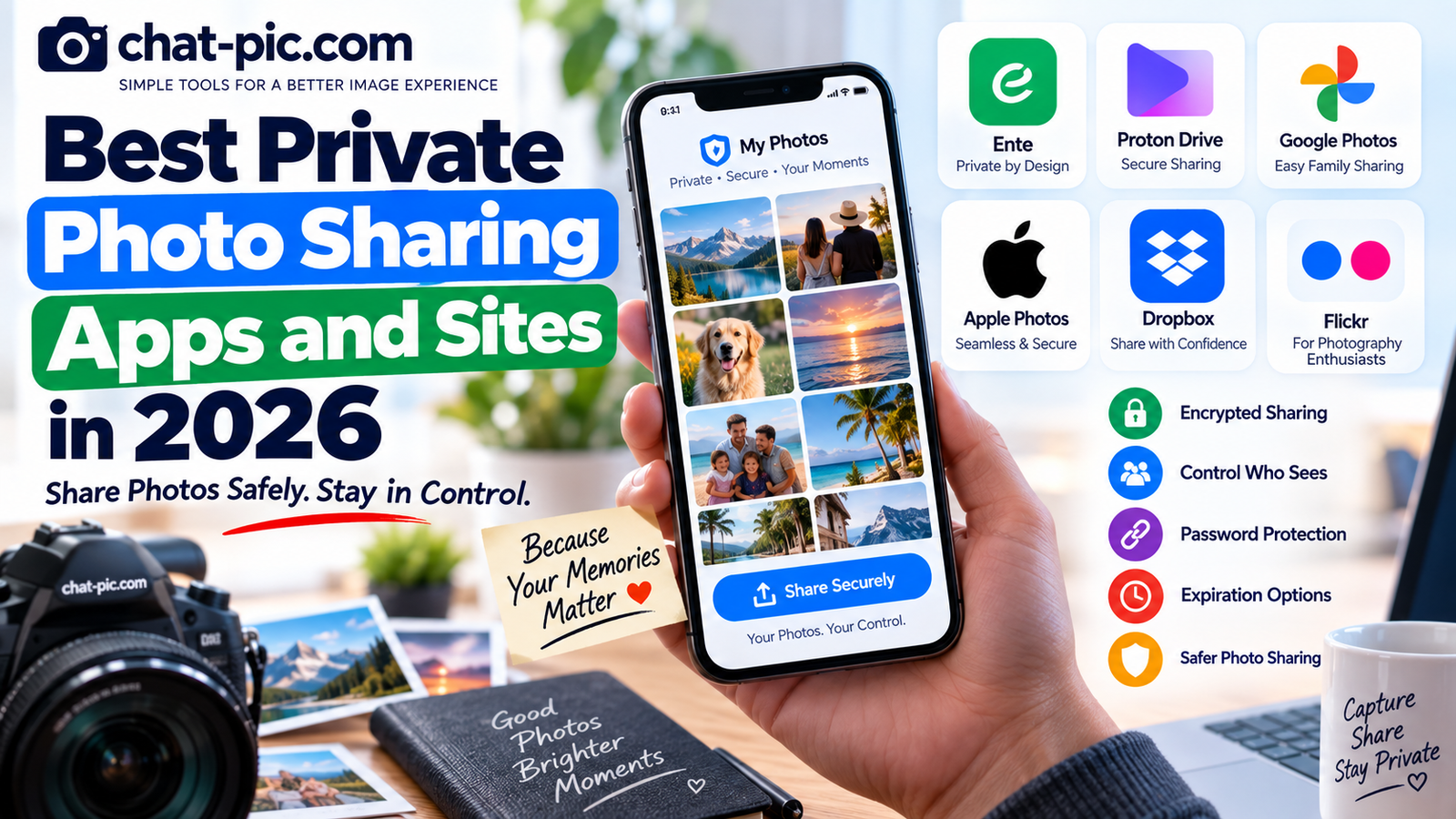
Sharing photos privately is very different from posting them publicly on social media.
A public post is designed to reach an audience. Private photo sharing is about controlling who can view, download, contribute to, or keep access to your photographs.
The best private photo sharing apps in 2026 therefore offer more than a simple upload button. Depending on the service, you may get encrypted storage, invite-only albums, password-protected links, expiration controls, family collaboration, or the ability to revoke access later.
There is no single service that is perfect for everyone. A family sharing vacation photos has different needs from a photographer delivering images to a client or someone sending a sensitive personal photograph.
This guide compares some of the strongest options and explains which type of user each one suits best.
Quick Comparison
| Service | Best For | Main Sharing Method | Privacy Strength |
|---|---|---|---|
| Ente | Privacy-focused photo albums | Encrypted albums & controlled links | Very High |
| Proton Drive | Secure photos and files | Encrypted links & invitations | Very High |
| Google Photos | Families and everyday sharing | Shared albums & direct sharing | Good |
| Apple Photos/iCloud | Apple families and couples | Shared Albums & Shared Library | Good |
| Dropbox | Clients and professional delivery | Shared files and folders | Good |
| Flickr | Photographers and controlled galleries | Photo privacy permissions | Adjustable |
The best option depends on whether you prioritize encryption, convenience, collaboration, storage, or photography features.
1. Ente — Best for Privacy-First Photo Albums
Ente is one of the strongest options when privacy is the main priority rather than social discovery.
It is designed specifically around photos and encrypted storage. Shared albums between Ente users support Viewer, Collaborator and Admin permissions, while public links can be created for people who do not have an Ente account. Ente’s current sharing controls also include password protection, link expiration and device limits.
This makes Ente particularly useful for families, couples, travel albums and users who want a photo-focused experience without relying on a conventional public image host.
Why Ente is different
Many cloud-storage services treat photographs like any other file.
Ente is built around a photo library.
You can organize albums, share selected collections, collaborate with other Ente users and create links when the recipient does not have an account.
For direct Ente-to-Ente sharing, the recipient receives end-to-end encrypted album access in the Ente app.
Public links still require care
A public Ente link can be opened by anyone who receives its URL. Ente itself distinguishes these public links from direct account-to-account sharing.
For more sensitive content, use available password and expiry controls rather than relying only on possession of the link.
Best for
Ente is a strong choice if you want a privacy-first alternative to mainstream photo libraries while still keeping photo-specific album and collaboration features.
2. Proton Drive — Best for Secure Photo and File Sharing
Proton Drive is another excellent choice when encryption and controlled sharing matter.
Users can share files and folders through public links or direct invitations. Public-link recipients do not need a Proton account to view or download shared items. Proton also allows links to be protected with a password and an expiration date.
That makes Proton Drive useful for both individual photos and larger private collections.
Where Proton Drive works especially well
Imagine you want to send private family photos, confidential client images or original high-resolution files.
Instead of uploading them to a normal public image host, you can store them inside Proton Drive and provide controlled access.
You can later stop sharing the item, which removes access through that sharing method.
Photo albums are supported too
Proton Drive now supports shared albums, including public album links. Album owners can also add link passwords or expiration dates and revoke access later.
For users who want both general file storage and private photo sharing, this makes Proton Drive increasingly useful.
Best for
Choose Proton Drive when you want strong privacy plus flexible file and photo sharing, especially when photographs are only one part of the information you store.
3. Google Photos — Best Private Photo Sharing Apps for Families and Couples
Google Photos remains one of the easiest choices for ordinary family and friend photo sharing.
You can share individual photos, create shared albums, send photos directly to people and create shareable links. Google allows sharing with contacts even if they do not use the Google Photos app. These private photo sharing apps offer different levels of privacy, convenience and sharing control.
The main advantage is convenience.
Many people already use Google Photos for phone backup, so creating another photo-sharing account may be unnecessary.
Share with specific people when privacy matters
For private family albums, direct sharing with specific Google accounts is generally preferable to broadly distributing an album link.
Google explains that shared albums can be restricted to specific people, although people who have album access may be able to add others depending on the sharing settings.
Link sharing is convenient but different
Google makes an important warning very clear:
When an album or photo is shared through a link, anyone who has the link can view it.
That does not mean Google Photos is unsafe. It means users should understand the access model.
A family album sent directly to selected Google accounts is different from a link pasted into an open group or public webpage.
Partner Sharing
Google Photos also supports Partner Sharing. This allows users to automatically share selected photos with one partner, including options based on date or recognized people in supported regions.
This can be useful for couples or parents who want photos to flow automatically between two accounts.
Best for
Google Photos is excellent for everyday family sharing where convenience matters more than advanced encrypted-link controls.
4. Apple Photos and iCloud — Best for Apple Families
For households already using iPhones, iPads and Macs, Apple’s built-in photo-sharing features can be extremely convenient.
Apple provides both Shared Albums and iCloud Shared Photo Library, but they solve slightly different problems.
Shared Albums
Shared Albums let the creator choose people who can view an album, while participants can add photos, videos and comments when permitted.
The album creator can invite and remove participants later.
This is useful for events, weddings, family trips and groups where people want to contribute their own pictures.
Apple also allows a Shared Album to be published to a public website for people who do not use iCloud. However, turning on that option makes the photos available through a web page, so it should not be used for highly private albums.
iCloud Shared Photo Library
Shared Photo Library is designed for a smaller, closer group.
Apple currently allows a Shared Library to include up to five other people, and all participants can add, edit and delete content in the shared collection. The library creator provides the iCloud storage for the shared content.
This is particularly useful for couples or families who want one combined photo collection instead of repeatedly sending albums to each other.
Best for
Apple’s options make the most sense when the people involved already use the Apple ecosystem.
If everyone uses iPhone, this can be easier than introducing a separate service.
5. Dropbox — Best for Photographers and Client Delivery
Dropbox is not a dedicated photo-social platform, but that can actually be an advantage.
For professional use, you often do not need likes, comments, memories or automated photo discovery.
You simply want to deliver files.
Dropbox supports file and folder sharing through links, making it useful for photographers, designers, marketing teams and businesses.
Depending on the plan, additional shared-link controls can include passwords and expiration dates.
Why photographers may prefer this workflow
Suppose a client needs 100 high-resolution photographs.
A social photo album may display those images nicely, but the client ultimately needs the actual downloadable files.
A Dropbox folder provides a more straightforward delivery workflow.
It also keeps individual projects separate.
Best for
Dropbox works especially well for professional photo delivery and collaboration rather than personal photo-library management.
6. Flickr — Best for Photographers Who Want Visibility Controls
Flickr remains focused on photography rather than generic cloud storage.
It lets users control who can see, download or interact with content through account privacy settings, and viewing privacy can also be adjusted for individual images and videos.
That makes Flickr different from both Ente and Dropbox.
It can function as a photography portfolio or community while still allowing the photographer to decide that certain photographs should have restricted visibility.
Flickr also states that photos and videos uploaded through its automatic upload function remain private until the user chooses to share them.
Best for
Flickr makes sense for photographers who want albums, photo presentation and granular visibility controls, but it should not be treated as a replacement for end-to-end encrypted storage when the photographs are highly sensitive.
Which Private Photo Sharing App Is Best?
There is no universal winner.
If your priority is privacy-first encrypted photo management, Ente is one of the strongest options.
If you want encrypted file storage plus private sharing controls, Proton Drive is excellent.
If you want the easiest solution for family albums and phone photos, Google Photos is difficult to beat for convenience.
For an Apple household, Shared Albums and iCloud Shared Photo Library integrate naturally with devices people already use.
For client delivery, Dropbox is often simpler.
For photographers who also care about presentation and community features, Flickr remains useful.
Encrypted Sharing vs Private Albums
A service describing an album as “private” does not necessarily mean the same thing as end-to-end encryption.
A private album may simply mean only selected accounts can access it.
End-to-end encryption adds another layer by protecting the content cryptographically.
For ordinary vacation photos, account-controlled private sharing may be sufficient.
For highly sensitive photographs, encryption deserves more attention.
That is why it is useful to decide how sensitive the photo is before choosing the platform.
Shared Links Are Still Links
One mistake users make is assuming a private-looking URL cannot be forwarded.
A recipient can often copy the URL and send it to someone else.
Google explicitly warns that anyone with an active photo-sharing link can view the content.
Proton similarly notes that anyone who obtains an unrestricted public link can access the shared item, which is why it offers password and expiration controls.
The safest way to think about a sharing URL is:
The link itself may act like a key.
Do not post sensitive sharing links in public places.
Prepare Photos Before Private Sharing
Even when you choose a good service, the file itself can contain information you do not need to distribute.
For privacy-sensitive photographs, first create a sharing copy.
Use the Chat Pic EXIF Metadata Remover and link it to:
This can help create a fresh copy without the original file’s embedded metadata.
Keep the untouched original separately.
Resize Photos When Full Resolution Is Unnecessary
A phone photograph can be several thousand pixels wide.
If family members only need to view it on phones or computers, you may not always need to distribute the largest possible original.
Use the Chat Pic Image Resizer:
Create a copy at the dimensions you actually need.
However, if people need the photograph for printing, professional editing or archiving, send the full-resolution original instead.
Compress Photos for Easier Sharing
Large images can take longer to upload and consume more storage.
Use the Chat Pic Image Compressor:
For normal photos, a carefully compressed JPG or WebP copy can be easier to share while still looking sharp.
Do not compress professional originals if the recipient requires exact full-quality files.
Photo Sharing for Families
Families usually need three things:
Easy access, simple contribution and enough control to prevent albums from being openly public.
Google Photos works well because many relatives already have Google accounts.
Apple Shared Albums are particularly convenient in families using iPhones.
Ente may be preferable when the family wants a stronger privacy-first design.
The best option is often the one family members can actually use correctly.
An advanced privacy system provides little benefit if relatives find it too complicated and start sending the pictures through public links instead.
Photo Sharing for Couples
Couples may want something more automatic than occasional album links.
Google’s Partner Sharing can automatically share selected backed-up photos with one partner.
Apple’s iCloud Shared Photo Library lets up to six people total work inside one shared collection.
Ente can also be used for shared albums and automatically shared camera folders between partners, although it currently does not provide a one-click whole-library sharing feature identical to Google Partner Sharing or Apple’s Shared Library.
Photo Sharing for Events
Weddings, parties and group trips create a different problem.
Everyone has photos.
You want everyone to contribute.
Ente’s collaborative albums allow participating users to add photos, and its collect-link mode can allow people without Ente accounts to contribute through a link.
Google shared albums also allow participants with access to contribute photos.
Apple Shared Albums are another natural choice when most attendees use Apple devices.
For a one-time event, choose the service that requires the least friction for guests.
Photo Sharing for Professional Clients
Client delivery has different priorities.
A photographer may need:
Full-resolution downloads, folders, clear organization and predictable access.
Dropbox or Proton Drive may therefore make more sense than a family-oriented photo app.
Proton is particularly appealing when the files are sensitive, while Dropbox has a familiar business-oriented workflow.
Private Does Not Mean Impossible to Copy
No online service can prevent every recipient from saving what they can legitimately see.
A person may be able to:
Download the image, take a screenshot, copy it to another device or re-upload it elsewhere.
Removing someone from an album later can prevent future access, but it cannot remotely erase a copy they already saved.
This principle applies across private photo-sharing platforms.
Only share highly sensitive photographs with people you trust.
Check Location Information Before Sharing
Privacy does not end with album permissions.
Photos can contain location metadata, and visible details can also reveal where an image was taken.
Before sharing a sensitive image, check for addresses, street signs, work badges, school names, vehicle plates and other identifying details.
Removing EXIF information helps with hidden metadata, but it cannot hide information visibly present inside the picture.
A Simple Privacy Checklist
Before sending a private album, check the photo itself, remove unnecessary metadata, decide whether recipients need full resolution, choose direct-account sharing where practical, use passwords or expiration controls when available, and avoid posting private album URLs publicly.
Most importantly, remember that anyone who receives legitimate access may still be able to save a copy.
Frequently Asked Questions
What is the best private photo sharing app in 2026?
For privacy-focused photo albums, Ente is a strong option. Proton Drive is excellent for encrypted files and photo sharing, while Google Photos and Apple Photos provide easier family-sharing experiences.
Is Google Photos private?
Photos stored in your normal Google Photos library are not automatically public. When sharing, you can send to specific people or create a link. Google warns that anyone with a shared link can view the linked content.
Is Ente better for privacy than Google Photos?
Ente is designed around end-to-end encrypted photo storage and sharing, including encrypted account-to-account album access and controlled public links. Google Photos prioritizes broader convenience and account integration.
Can I share private photos with someone who does not have an account?
Yes, depending on the platform. Ente supports public sharing links, and Proton Drive public links can be opened without a Proton account.
Can I password-protect private photo links?
Some services support this. Ente public links can use passwords and expiry settings, while Proton Drive supports passwords and expiration dates for shareable links.
What is best for sharing family photos?
Google Photos and Apple Photos are convenient for families already using their ecosystems. Ente is worth considering if stronger privacy-focused photo storage is the priority.
Can someone download a photo from a private album?
Depending on the service and permissions, recipients may be able to save or download images. Even when downloading is restricted, someone who can view a photo may still be able to capture it another way.
Final Thoughts
The best private photo sharing apps in 2026 serve different types of users.
For privacy-first photo management, Ente stands out.
For encrypted cloud storage with powerful sharing controls, Proton Drive is a strong choice.
For everyday family photos, Google Photos remains extremely convenient, while Apple Photos and iCloud work especially well inside Apple households.
Dropbox is practical for professional file delivery, and Flickr remains useful for photographers who want album presentation plus adjustable visibility.
The most important decision is not simply which app has the most features.
Choose a sharing method based on how sensitive the photo is, who needs access, how long they need it, and whether the recipient really needs the full original file.
The best private photo sharing apps depend on whether you value encryption, family sharing or professional file delivery.
Prepare the image before sharing, keep sensitive links private, and remember that once another person receives a copy, you may no longer have complete control over where that copy goes.
1 thought on “Best Private Photo Sharing Apps and Sites in 2026”